Hard drives don’t last forever. Whether you’re using a traditional mechanical hard drive (HDD) or a modern solid-state drive (SSD), both storage devices have a lifespan and can fail unexpectedly. When that happens, your data can become inaccessible, leading to potential data loss. Understanding the warning signs of a failing drive and knowing when to start the data recovery process can save your important files from permanent loss.
This article explores when you should consider data recovery, how to recover data from a failing drive, and the best preventative measures to avoid data loss.
Understanding Hard Drive Failures
Types of Hard Drive Failures
Hard drives can fail in various ways, each requiring different recovery methods:
- Logical Failures – These occur when the file system becomes corrupted, preventing access to stored data. Causes include power failures, malware attacks, or software errors.
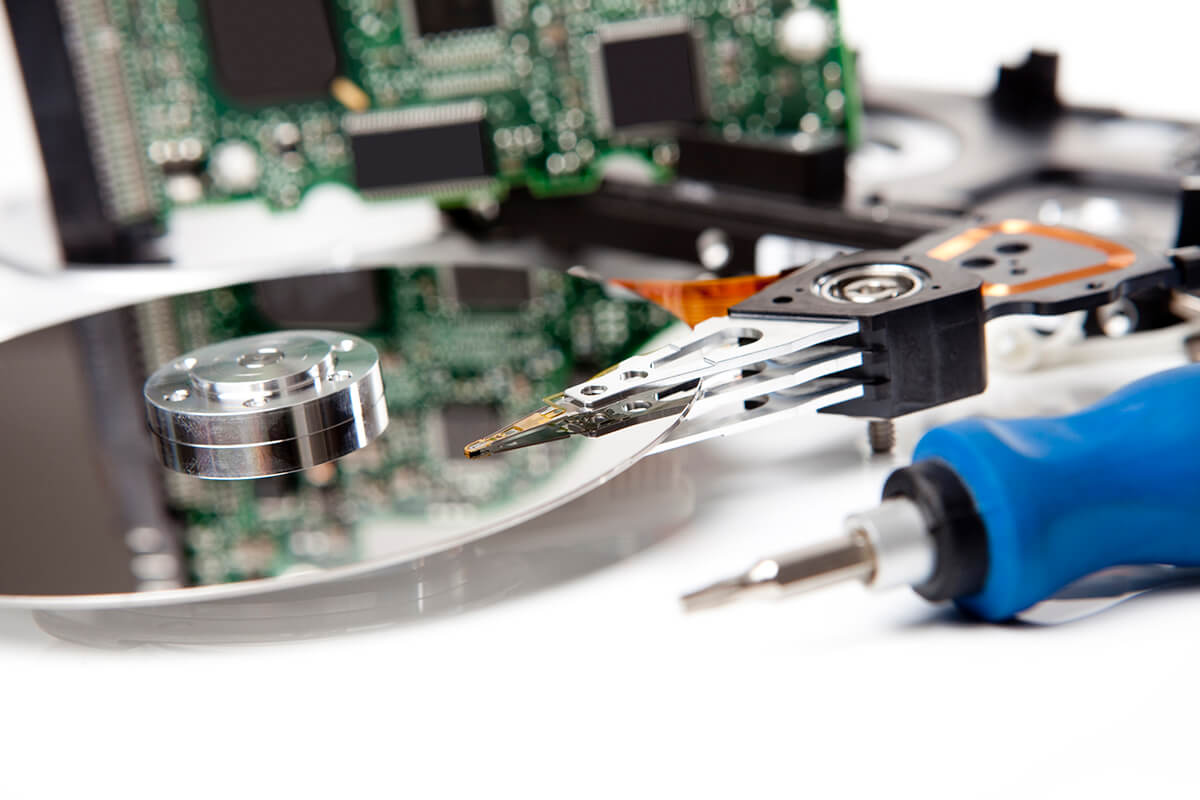
- Mechanical Failures – Found in HDDs, these failures occur when physical components (such as the read/write head or motor) malfunction. Common signs include clicking noises, grinding sounds, or failure to spin up.
- Electrical Failures – Sudden power surges or electrical shorts can damage a hard drive’s circuit board, making it impossible for the drive to function.
- Firmware Corruptions – The software embedded in the drive that controls its operation can become corrupted, preventing access to data.
- Bad Sectors and Degradation – Over time, hard drives can develop bad sectors where data becomes unreadable. This is a common cause of slow performance and data corruption.
Warning Signs That Your Hard Drive May Be Failing
Detecting early signs of hard drive failure can help prevent complete data loss. Here are some common warning signals:
- Unusual Noises – Clicking, grinding, or beeping noises can indicate mechanical failure in HDDs.
- Frequent Freezing or Crashing – If your computer frequently freezes or crashes, especially when accessing files, your hard drive may be failing.
- Slow Performance – If programs and files take much longer to open than usual, it could be due to bad sectors on the disk.
- Disappearing Files – If files or folders suddenly disappear or become corrupted, the drive may be experiencing logical errors.
- Failure to Boot – A drive that prevents your computer from starting up could be suffering from critical failure.
- Error Messages – Frequent disk-related errors, such as “Windows detected a hard disk problem” or “No bootable device found,” suggest imminent failure.
- Overheating – Excessive heat can damage internal components and shorten a drive’s lifespan.
If you experience any of these issues, immediate action is necessary to prevent permanent data loss.
Steps to Recover Data From a Failing Hard Drive
1. Backup Important Files Immediately
If your drive is still accessible, the first step is to copy essential files to a secure location, such as an external drive, cloud storage, or another computer.
2. Use an External Enclosure (For Non-Functional Computers)
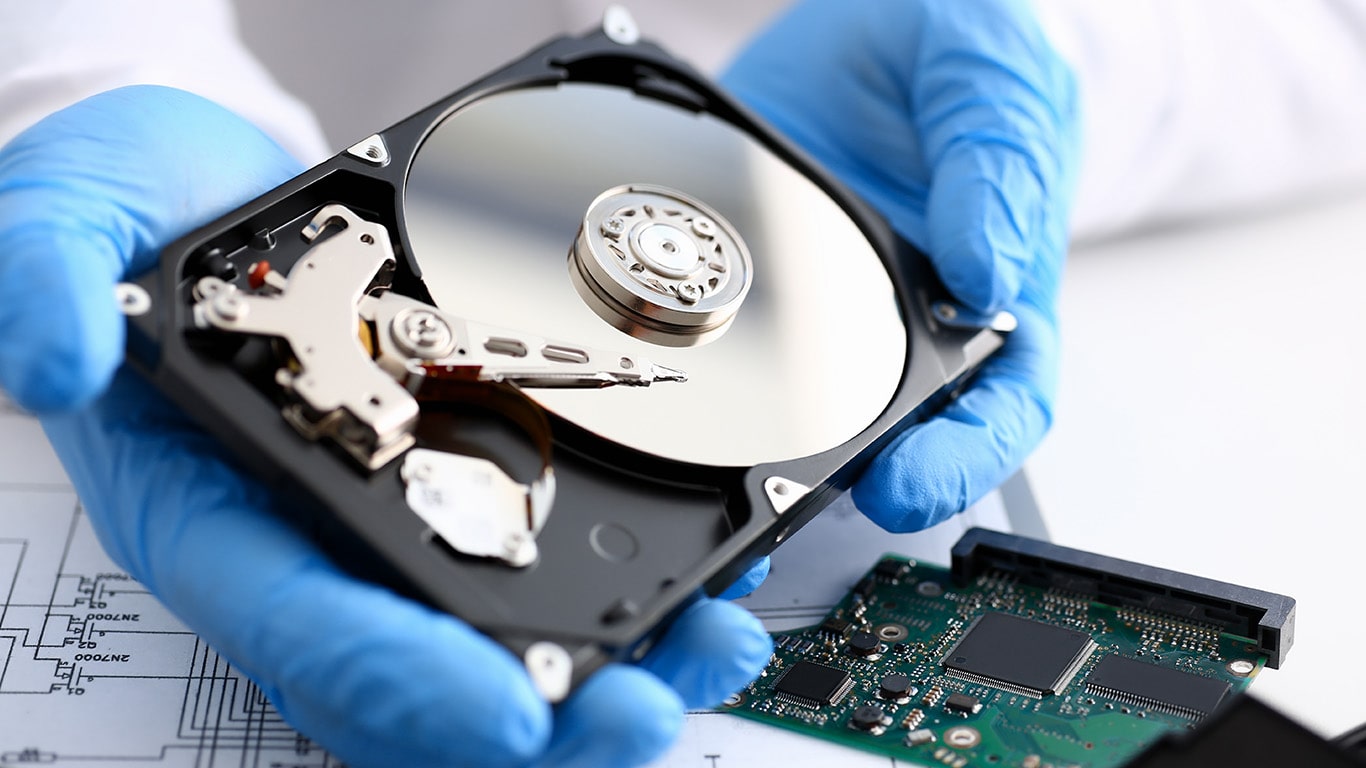
If your computer no longer works, remove the hard drive and place it in an external enclosure. Connect it to another computer via USB and attempt to access your files.
3. Try Data Recovery Software
If your files are not visible or have been accidentally deleted, specialized software can help recover them. Some of the best tools include:
- Recuva – Free and user-friendly, suitable for basic recovery needs.
- Disk Drill – Supports multiple file systems and has deep scanning capabilities.
- Microsoft File Recovery – Designed for Windows users to recover lost files.
Note: Avoid installing the recovery software on the affected drive, as this could overwrite your lost data.
4. Use a Bootable Recovery Tool
If your operating system is not booting, you can use a bootable data recovery tool, such as Hiren’s BootCD or EaseUS Data Recovery Bootable Media, to recover files without accessing Windows.
5. Consider Professional Data Recovery Services
For mechanical failures, firmware corruption, or severe logical damage, professional data recovery services are the best option. Companies such as DriveSavers, Ontrack, and Gillware have specialized equipment to extract data from damaged drives.
Preventative Measures to Avoid Data Loss
While data recovery is possible in many cases, preventing data loss is always the best approach. Here’s how to keep your data safe:
1. Regular Backups
- Use the 3-2-1 backup rule: Keep three copies of your data on two different types of storage, with one copy stored offsite (e.g., cloud backup).
- Popular backup solutions: Google Drive, Dropbox, OneDrive, Backblaze, Acronis True Image.
2. Monitor Hard Drive Health
- Use tools like CrystalDiskInfo, Hard Disk Sentinel, or SMART monitoring features to check for bad sectors, high temperatures, or other warning signs.
3. Avoid Physical Damage
- Handle external hard drives with care and protect them from drops, excessive heat, and moisture.
- Use a surge protector to prevent electrical failures.
4. Keep Software and Firmware Updated
- Update your operating system and firmware regularly to prevent compatibility issues and improve stability.
5. Use Reliable Storage Solutions
- Invest in high-quality drives from reputable brands like Samsung, Western Digital, Seagate, or Crucial.
- Consider using SSD drives instead of HDDs for improved durability and speed.
Conclusion
Hard drive failure is inevitable, but recognizing the warning signs early can save you from losing critical data. If you notice slow performance, missing files, or strange noises, it’s time to consider data recovery. Use external enclosures, data recovery software, and professional services if necessary. However, the best way to protect your data is by implementing a solid backup strategy and maintaining your storage devices properly.
By following these guidelines, you can ensure that your valuable files remain safe and recoverable, even in the event of a hard drive failure.