Smartphones hold vast amounts of personal and professional data, making data loss due to a broken screen a significant concern. Whether it’s contacts, messages, photos, or important files, accessing data from a phone with a damaged display is possible with the right methods. This guide outlines various approaches to recovering data from Android and iOS devices with broken screens.
Understanding the Extent of Damage
Before attempting data recovery, assess the level of damage to your phone:
- Is the display partially visible? If yes, recovery methods are easier.
- Does the touchscreen still function? If your phone still detects touch, it simplifies the recovery process.
- Is the phone completely unresponsive? This requires advanced techniques.
Methods for Data Recovery
1. Using an OTG Adapter and a Mouse
If the touchscreen is unresponsive but the display is still functional, an OTG (On-The-Go) adapter can help:
- Connect an OTG adapter to your phone’s charging port.
- Plug a USB mouse into the adapter.
- Use the mouse to navigate and unlock your phone.
- Transfer your data manually to cloud storage or a PC.
2. Accessing Data via a PC (For Android)
If your phone still turns on but the screen is unusable, you can use a PC to retrieve your data:
- Connect your phone to a PC via a USB cable.
- If USB Debugging is enabled, your phone should appear in File Explorer.
- Copy essential files to your computer.
- If USB Debugging is disabled, proceed with alternative recovery tools.
3. Using Google Account Backup (For Android Users)
If you have enabled Google backups, you can restore your data on another device:
- Go to Google Drive on a PC.
- Access backed-up photos, contacts, and files.
- Restore your account on a new phone to retrieve data automatically.
4. Using iCloud Backup (For iPhone Users)
For iPhone users with iCloud backup enabled:
- Log into iCloud.com from a PC.
- Retrieve photos, contacts, and documents from your backup.
- If replacing your device, sign in to iCloud on the new iPhone to restore everything.
5. Using Screen Mirroring Apps (Android Only)
If your phone’s screen is functional but unresponsive to touch, screen mirroring can help:
- Download Vysor, ApowerMirror, or Scrcpy on your PC.
- Connect your phone to the PC via USB.
- Use the mirrored screen to access and recover your data.
6. Extracting Data Using Recovery Software
For severe cases where the phone is completely unresponsive, data recovery software can help:
- Dr.Fone – Data Recovery (Android & iOS)
- Tenorshare UltData
- iMobie PhoneRescue
- FonePaw Android Data Recovery
Steps:
- Install the recovery software on a PC.
- Connect the broken phone using a USB cable.
- Run a scan to detect recoverable files.
- Save the recovered data onto a secure location on your PC.
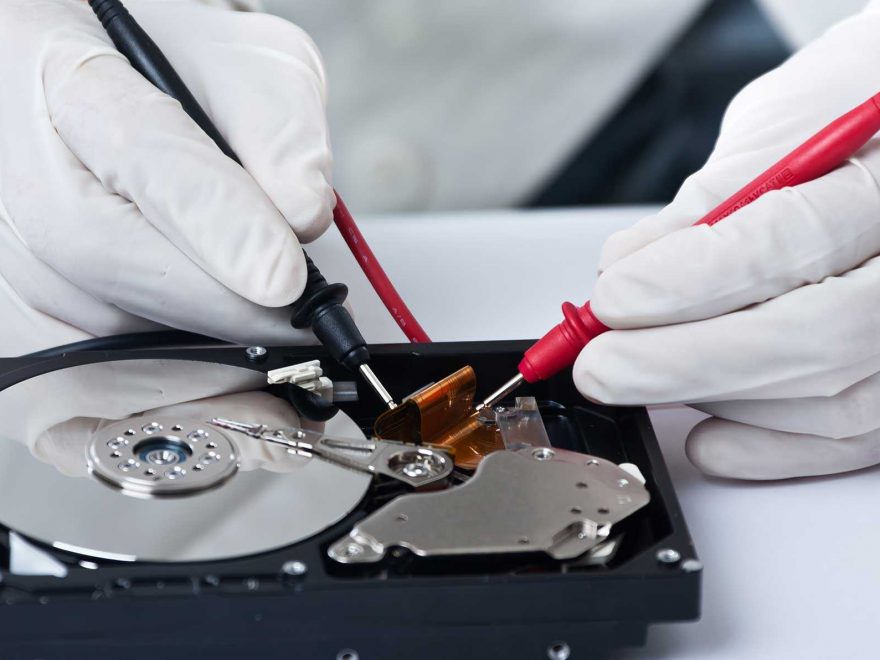
7. Professional Repair or Data Extraction Services
If none of the above methods work, consider professional help:
- Take your phone to an authorized repair center where technicians can temporarily fix or replace the screen to retrieve your data.
- Use data recovery services like DriveSavers or Ontrack, which specialize in recovering data from damaged devices.
Preventive Measures to Avoid Future Data Loss
To minimize the risk of data loss in the future, adopt these best practices:
- Enable automatic backups to Google Drive or iCloud.
- Use third-party backup apps like Dropbox or OneDrive.
- Regularly transfer important data to a PC or external storage.
- Invest in a sturdy phone case and screen protector to prevent physical damage.
- Enable USB Debugging (for Android users) for easier file access in emergencies.
Conclusion
Recovering data from a phone with a broken screen can be challenging but is not impossible. Depending on the level of damage, methods like OTG adapters, PC access, cloud backups, screen mirroring, recovery software, or professional services can help. The key takeaway is to regularly back up your data to prevent losing valuable information in case of unforeseen accidents. If your screen is already broken, act quickly to retrieve your data before further deterioration occurs.