
Data loss is a common and often costly problem, affecting individuals and organizations alike. Whether it’s a family photo album accidentally deleted or a business-critical database rendered inaccessible, the instinct to attempt a quick, do-it-yourself (DIY) recovery solution is understandable. With a wide range of tools and tutorials available online, DIY data recovery can be tempting—but it’s not always the right answer.
Understanding when a DIY attempt is appropriate—and when it could lead to further damage—is crucial. This article breaks down the scenarios in which DIY data recovery makes sense, the inherent risks, and the clear signs that it’s time to call in a professional.
The Fundamentals of Data Loss
Before deciding how to proceed, it’s essential to understand the nature of data loss. Broadly, data loss can be categorized into two types:
1. Logical Failure
Occurs when the storage medium is physically intact but data is inaccessible due to file system corruption, accidental deletion, formatting, or malware. Examples include:
- Deleted files from Recycle Bin
- Accidental formatting of a drive
- File system errors
- Partition table corruption
2. Physical Failure
Happens when the hardware itself is damaged or degraded. Common causes include:
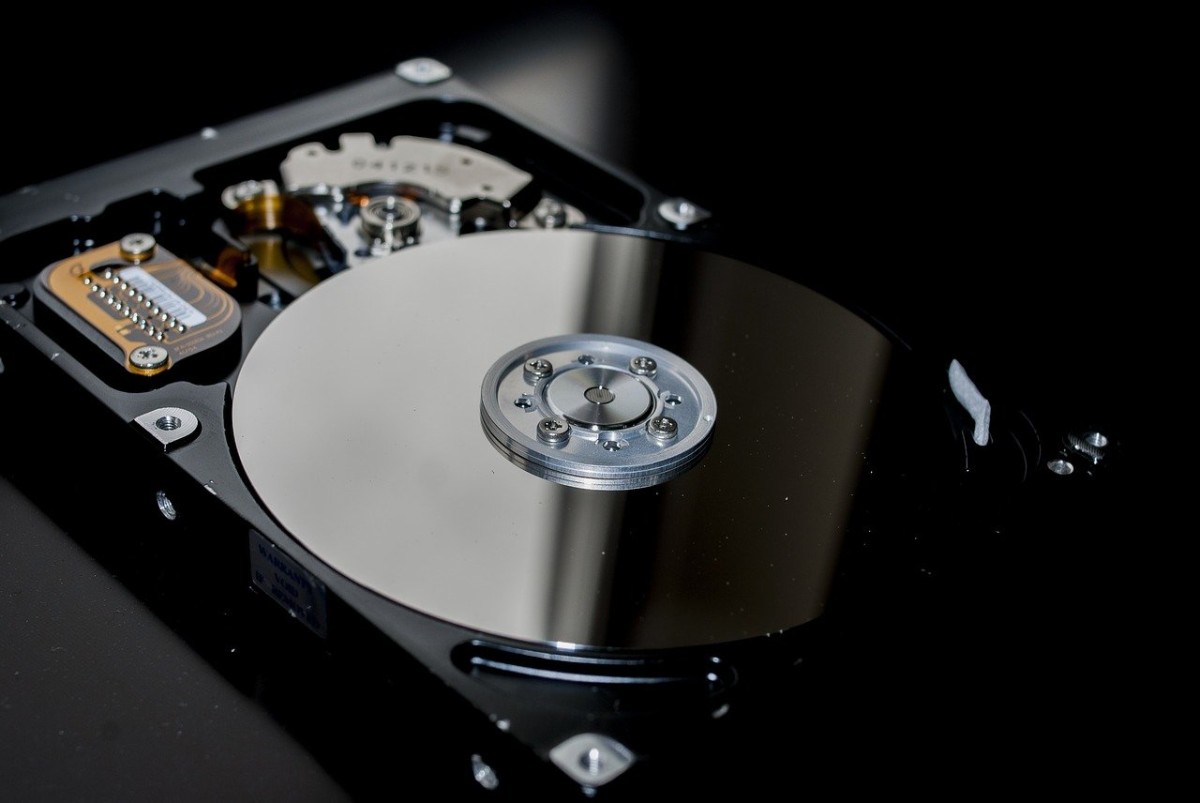
- Failed read/write heads in HDDs
- Burned or broken PCBs
- NAND degradation in SSDs
- Firmware corruption
- Water or fire damage
Logical failures are typically within the realm of DIY recovery—if approached with care. Physical failures, on the other hand, often require specialized tools, controlled environments, and professional expertise.
When DIY Data Recovery Might Be Worth Trying
Not every data loss scenario requires professional intervention. There are several low-risk cases where DIY recovery is not only possible but may also be successful.
1. Accidental File Deletion
If you’ve deleted a file and haven’t written new data to the drive, file recovery software such as Recuva, TestDisk, or PhotoRec can often restore it. These tools scan unallocated disk space for file remnants and rebuild directory structures when possible.
Best Practice: Stop using the affected device immediately to prevent overwriting deleted data. Run recovery software from a separate device or bootable USB.
2. Accidental Formatting
If you’ve formatted a drive but haven’t added new data, recovery is still possible. Many formatting operations do not erase the actual files but simply reset the file system metadata. Recovery software can often reconstruct this metadata and retrieve lost files.
3. Corrupted File System
File system corruption due to improper shutdowns, software crashes, or bad sectors can often be handled by tools like CHKDSK, fsck, or third-party recovery software. These tools can repair logical errors and restore access to data.
4. Non-Critical Data
If the data is not essential, irreplaceable, or sensitive—and you’re willing to accept the risk of partial recovery or failure—DIY attempts are more justifiable.
Risks and Limitations of DIY Data Recovery
DIY solutions carry inherent risks, particularly if the user misjudges the nature of the failure or uses the wrong tools. Here are the primary dangers:
1. Further Data Loss
Running recovery software on a failing or degraded drive can cause irreversible damage. For example, if an HDD has failing read/write heads or a deteriorating platter, every scan attempt could destroy more data.
2. Overwriting Lost Data
Downloading and installing recovery tools on the same drive where data was lost can overwrite recoverable files. Even booting up the system can write new data to critical areas.
3. Malware and Fake Tools
Many free or pirated recovery tools available online are bundled with malware or perform poorly. Using untrusted software can compromise your system and data integrity.
4. Incomplete Recovery
DIY tools often fail to recover fragmented or partially overwritten files. Complex file types, such as databases or proprietary application files, may require professional reconstruction.
5. Misdiagnosis
Users often misidentify logical failures as physical ones, or vice versa. Attempting DIY recovery on a physically damaged drive can result in catastrophic failure.
When to Call a Professional
There are clear indicators that a storage device is suffering from more than just a simple logical issue. In these situations, further use should be stopped immediately and a qualified data recovery specialist should be contacted.
1. Unusual Noises
Clicking, grinding, or buzzing sounds from an HDD suggest mechanical failure—usually of the read/write heads or spindle motor. Powering on the drive can worsen the damage.
2. Device Not Recognized
If your operating system no longer detects the device or shows it with 0 bytes of capacity, it may indicate firmware corruption, PCB damage, or controller failure.
3. Electrical Damage
Power surges, short circuits, or burnt components should not be addressed with DIY fixes. Data recovery labs can replace or bypass damaged electronics safely.
4. Failed SSD or Flash Media
Unlike HDDs, SSDs do not fail gradually. When their controller fails or NAND chips degrade, access can be lost instantly. Professional recovery often involves chip-level extraction and reconstruction.
5. RAID Failure
RAID arrays require expert handling. Rebuilding a degraded RAID with incorrect settings can cause complete data loss. DIY RAID recovery is not advisable unless you fully understand the array configuration and failure mode.
6. Encrypted Data
If the lost data was encrypted (e.g., BitLocker, FileVault), recovery becomes significantly more complex. Even partial recovery may render files useless without the correct decryption keys or credentials.
The Professional Data Recovery Advantage
Certified data recovery labs offer several advantages that DIY methods simply cannot match:
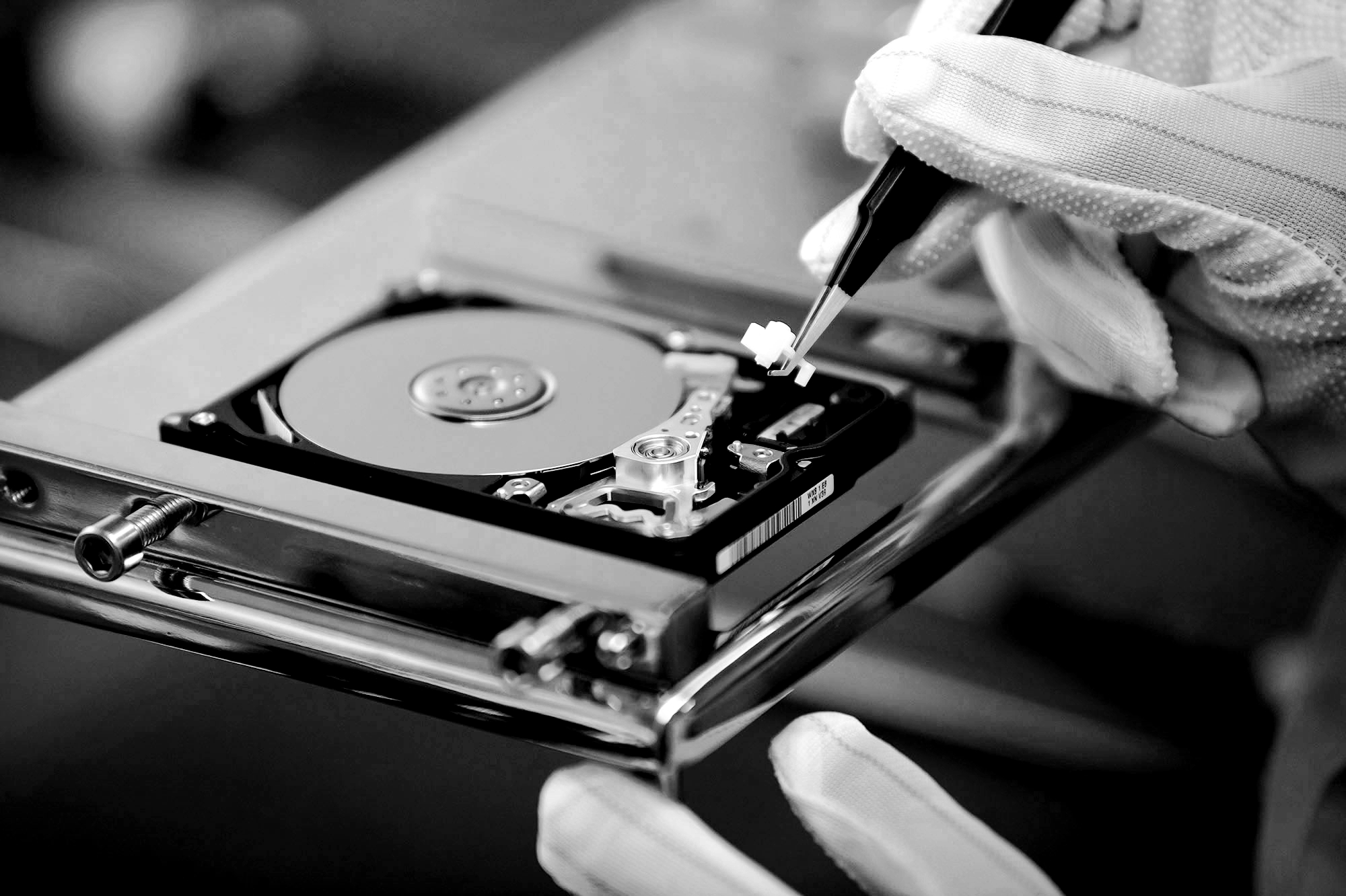
- Cleanroom Facilities: Critical for opening and working on physical drives without contaminating internal components.
- Proprietary Tools: Custom software and hardware that go beyond commercial recovery tools.
- Expertise: Trained engineers capable of reconstructing damaged files, bypassing encryption, and analyzing low-level disk structures.
- Chain of Custody: Important for legal or sensitive cases, ensuring data integrity and confidentiality.
While professional recovery is often more expensive than DIY, it’s frequently the only viable option for high-stakes or physically damaged media.
Final Thoughts
DIY data recovery can be a practical, effective solution—provided the conditions are right and the risks are understood. When the failure is logical, the data is non-critical, and the user proceeds carefully, DIY methods can save time and money.
However, as soon as physical damage is suspected, or if the lost data is of significant value, the best course of action is to stop all activity and consult a professional. In many cases, early intervention by a qualified recovery expert increases the likelihood of success and minimizes the chance of permanent loss.
Ultimately, the decision comes down to understanding the nature of the failure, the value of the data, and the limits of your own capabilities. In data recovery, caution and expertise are always better than haste and hope.