
In the age of digital data, losing important files due to a system crash, accidental deletion, or corruption is a nightmare. In such cases, the first thought many people have is to recover the data as quickly and cost-effectively as possible. As a result, free data recovery tools are often seen as a tempting solution. After all, who doesn’t appreciate a free tool that promises to recover lost files? However, before you decide to use these tools, it’s essential to understand their limitations and potential risks.
This article takes an in-depth look at the truth behind free data recovery software, examining whether they are really worth the risk, the potential drawbacks, and what to consider before choosing them over professional recovery services.
What Are Free Data Recovery Tools?
Free data recovery tools are software programs designed to help users recover lost or deleted files from their storage devices, such as hard drives, SSDs, USB flash drives, and memory cards. These tools often claim to provide users with a simple and cost-free solution for retrieving data.
The market is flooded with various free data recovery programs, many of which offer basic features, such as:
- Recovering deleted files
- Restoring data from corrupted or formatted drives
- Providing a preview of recoverable files before initiating the recovery process
Some well-known free data recovery tools include Recuva, EaseUS Data Recovery Wizard Free, and MiniTool Power Data Recovery. While these tools are easy to download and use, they often come with significant limitations, which we will explore in detail.
The Limitations of Free Data Recovery Tools
1. Limited Recovery Capacity
One of the most notable drawbacks of free data recovery software is the restriction on the amount of data you can recover. Most free versions come with limitations such as:
- File Size Restrictions: Many free tools allow you to recover only a small amount of data, typically between 500 MB to 2 GB. While this might be sufficient for a few small files, it is insufficient for larger data loss incidents involving significant amounts of lost information.
- Limited Functionality: Free versions often lack advanced features, such as deep scanning for complex data loss scenarios, recovery from damaged sectors, or the ability to recover encrypted or highly fragmented files.
While some programs offer a “free trial,” the recovered data might be inaccessible until you purchase the full version. This approach can be frustrating if you need immediate access to your files.
2. Risk of Overwriting Data
One of the most significant dangers of using free recovery tools is the risk of overwriting the lost data. When you run a recovery tool, it works by scanning your storage device for “remnants” of deleted files, but these remnants remain in the same space until overwritten by new data.
If you use the wrong tool or incorrectly run the recovery software, it can inadvertently overwrite the very data you’re trying to recover. In this case, the chances of a successful recovery are severely diminished, and data loss becomes permanent. Since many free tools do not provide sufficient safeguards to prevent overwriting, they carry inherent risks.
To minimize the risk of overwriting, it’s recommended to stop using the device immediately after data loss occurs and refrain from adding or modifying files until recovery is completed. However, not all free tools advise or implement this safeguard.
3. Inaccurate or Incomplete Recoveries
Free data recovery software often lacks the depth of functionality offered by professional tools, which can lead to incomplete or failed recovery attempts. For example:
- Partial Files: In some cases, the recovered files may be corrupted, partially restored, or rendered unreadable due to the limitations of the free tool.
- Unable to Recover Complex Data: More advanced data loss scenarios, such as recovery from damaged hard drives, encrypted files, or physically broken devices, often require specialized tools that free software lacks.
Although some free recovery programs promise to recover deleted files, they may only be able to restore basic, non-fragmented files and overlook complex data structures. As a result, users may believe they’ve recovered all of their files, only to discover later that critical data is still missing.
4. Lack of Customer Support and Assistance
Another drawback of free data recovery tools is the lack of professional support. While premium data recovery software often includes access to customer service, troubleshooting, and technical assistance, free tools typically offer little to no help in the event of problems.
If a user encounters difficulties while using free software, they may be left on their own to resolve issues or decipher error messages. This lack of support becomes especially concerning if something goes wrong during the recovery process, such as file corruption or system instability.
Additionally, some free tools might have limited documentation or knowledge bases, leaving users with little guidance on how to proceed in the event of a recovery failure.
5. Security Risks and Malware
Free software always comes with a certain level of risk, and data recovery tools are no exception. Free programs, particularly those from less reputable sources, may contain hidden malware, adware, or other malicious code that could compromise your data security.
These risks may include:
- Data Theft: Some free recovery tools may harvest your personal information or data without your knowledge.
- Infected Downloads: Downloading free software from unofficial or untrustworthy websites increases the risk of getting infected with viruses or trojans, which could harm your device or cause further data loss.
It’s important to always download software from reputable sources, but even then, free tools are often more susceptible to vulnerabilities than paid, professionally developed software.
When Free Data Recovery Tools Might Be Worth Using
Despite the drawbacks, free data recovery tools can still be useful in certain situations. Here are a few scenarios where using a free recovery tool may be appropriate:
- Minor Data Loss: If the data loss is limited to a small number of files (e.g., accidentally deleted photos or documents), a free tool may provide a quick and effective solution.
- Non-Critical Data: For users who have lost non-critical or less valuable files and are simply looking for a cost-free solution, free recovery tools may suffice.
- Testing or Pre-Screening: If you’re unsure whether data recovery is even possible, you can use a free tool to quickly assess whether any of the lost data can be recovered. If the tool is unable to recover anything useful, you can consider moving on to professional services.
However, for significant data loss or situations where data integrity is paramount, free tools are unlikely to be the best option.
Professional Data Recovery: A Safer Alternative
For more complex recovery situations or when dealing with critical business or personal data, professional data recovery services are a far safer and more effective option. These services offer:
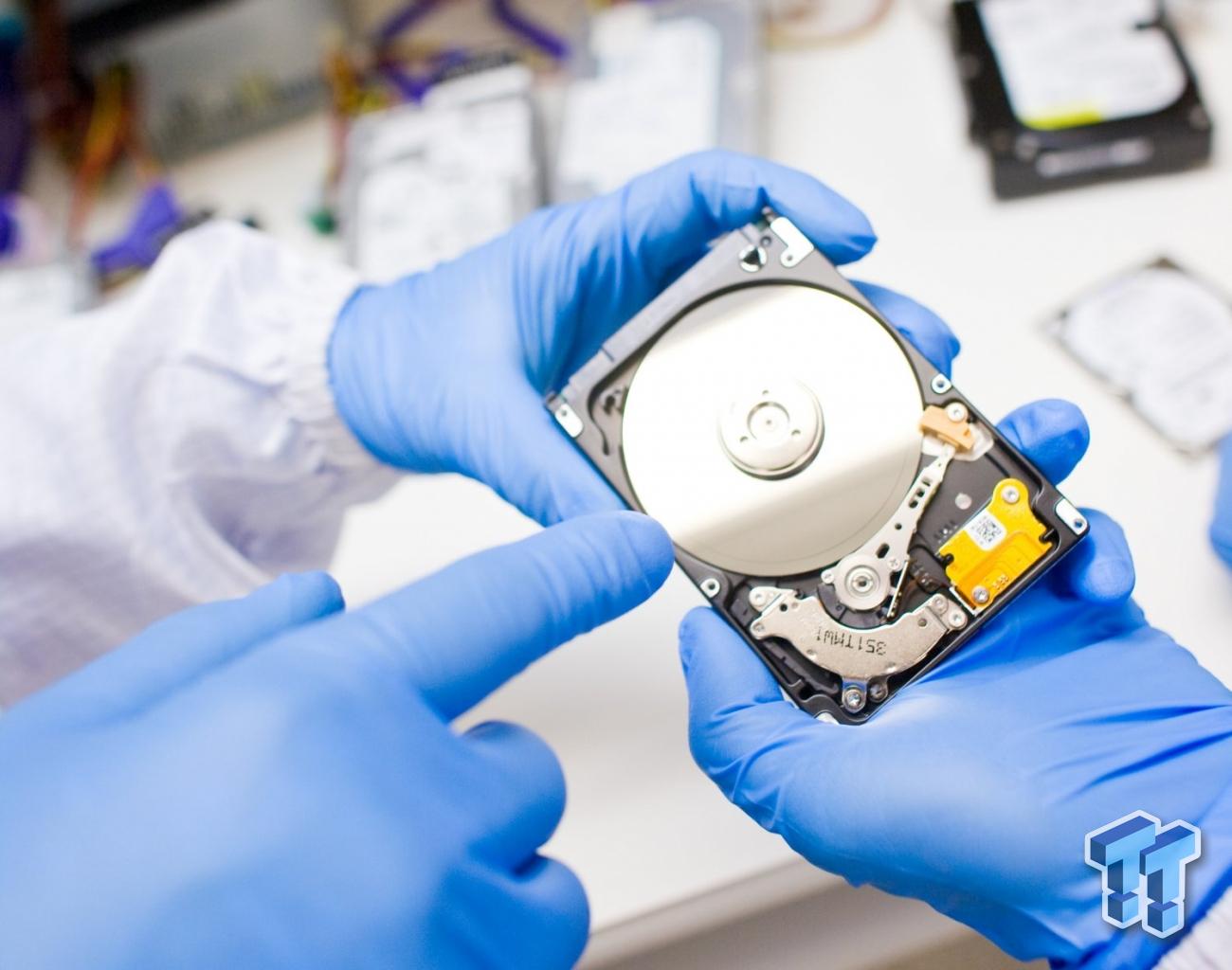
- Advanced Recovery Methods: Professionals have access to specialized software, hardware, and techniques not available in free tools, such as clean room environments for recovering data from physically damaged drives or SSDs.
- Higher Success Rates: With extensive experience and advanced diagnostic tools, professionals have a much higher success rate of retrieving lost data, especially in cases of severe damage or corruption.
- Data Security: Professional services follow stringent protocols to ensure data confidentiality and security, mitigating the risk of data theft or malware.
While professional recovery services come with a cost, the peace of mind and higher chances of success make them a worthwhile investment when dealing with important data.
Conclusion
Free data recovery tools can seem like an attractive option for those looking to recover lost files without spending money. However, these tools come with significant limitations and risks, including limited recovery capacity, the potential for data overwriting, incomplete recoveries, lack of customer support, and security concerns.
While free tools can work in simple, low-risk situations, they are often not suited for complex or critical data recovery scenarios. When facing more significant data loss, it is often best to seek professional assistance to ensure the highest chances of successful recovery and data security.
Ultimately, while free tools may offer a quick solution in some cases, they are not a replacement for the expertise and technology that professional data recovery services can provide.